
video interview platforms
Video Interview Platforms That Save Recruiter Time
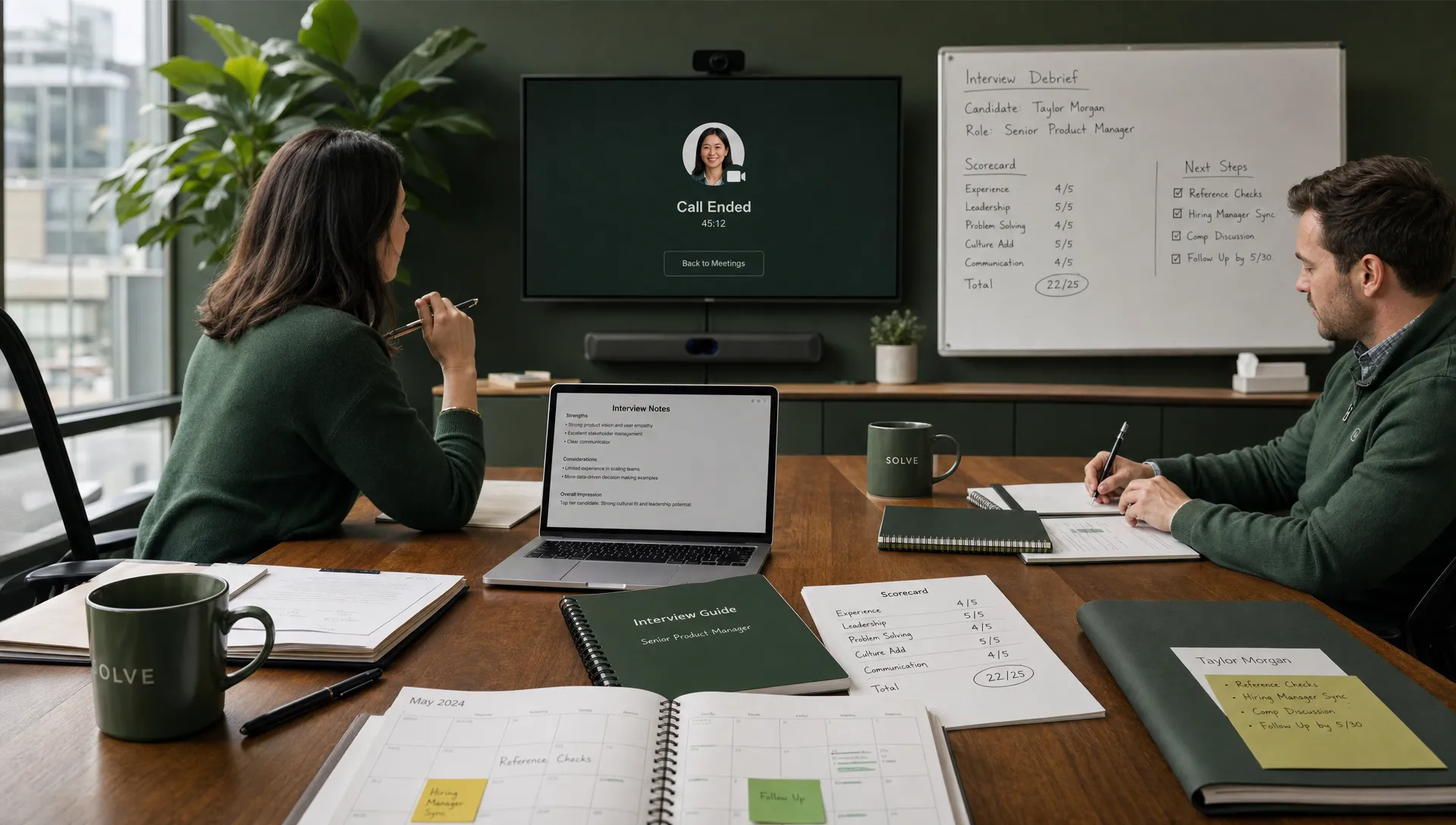
Video interviews can remove hours from the hiring process, but only when they are part of a well-designed workflow. A basic video meeting link may reduce travel time, yet recruiters still lose time to intake gaps, repetitive screening, scheduling loops, incomplete notes, inconsistent feedback, and ATS updates.
The best video interview platforms for recruiter productivity do more than host a conversation. They help teams decide who should be interviewed, coordinate availability, structure the interview, capture useful evidence, and move the candidate forward without manual admin after every call.
For agencies and HR teams, the key question is not “Which tool records video?” It is “Which platform reduces low-value work while keeping hiring decisions clear, fair, and recruiter-led?”
Why video interview platforms save time, or fail to
Video interviewing became popular because it solved an obvious logistical problem: getting candidates and hiring teams into the same place at the same time. Today, the bigger opportunity is workflow automation.
Recruiters rarely spend most of their week inside the interview itself. They spend it clarifying role requirements, screening applicants, chasing availability, sending reminders, updating hiring managers, logging notes, moving statuses, and following up with candidates. A video interview tool that ignores those surrounding steps may shift the bottleneck rather than remove it.
That is why time-saving platforms usually have three layers. First, they reduce unnecessary interviews by helping recruiters screen more consistently. Second, they make the interview easier to run through scheduling, structured questions, scorecards, and reminders. Third, they reduce post-interview admin through transcripts, summaries, feedback capture, and system updates.
Recruiters should also distinguish between speed and control. Fast hiring is valuable only if the team can explain why a candidate progressed, what evidence was considered, and who approved the next step. If automation makes decisions harder to audit, the time saved can quickly turn into risk.
Where recruiter time disappears in video interviewing
Before comparing platforms, map the steps that happen before, during, and after each interview. This makes it easier to separate genuinely useful features from polished but low-impact ones.
| Recruiting bottleneck | How it wastes recruiter time | What a strong platform should reduce |
|---|---|---|
| Vague role intake | Recruiters screen against unclear criteria and need repeated clarification | Structured intake, must-have criteria, interview focus areas |
| Manual pre-screening | Recruiters review unqualified candidates before interviews | Evidence-based screening, knockout criteria, candidate scoring |
| Scheduling back-and-forth | Multiple emails are needed to find a time | Calendar sync, reminders, rescheduling automation |
| Unstructured interviews | Interviewers ask inconsistent questions and produce uneven feedback | Role-specific question guides and scorecards |
| Poor note capture | Recruiters reconstruct conversations from memory | Transcripts, summaries, and evidence capture |
| Slow feedback loops | Hiring managers delay decisions or provide vague comments | Centralized feedback and clear next-step prompts |
| ATS updates | Recruiters manually change statuses and paste notes | ATS or CRM sync and workflow triggers |
This is also where AI can help, provided it supports rather than replaces recruiter judgment. If you are building a broader automation strategy, CandiDesk’s guide on how AI in recruitment helps teams hire faster explains how intake, screening, outreach, scheduling, and pipeline updates fit together.
The main types of video interview platforms
Not every team needs the same interview setup. A staffing agency managing high-volume roles has different needs from an in-house HR team hiring executives or technical specialists. The fastest option is the one that matches the role complexity, candidate volume, and decision process.
One-way asynchronous video interview platforms
Asynchronous video interviews let candidates record answers to pre-set questions on their own time. They are useful for high-volume roles, early-stage screening, campus hiring, and jobs where recruiters need a consistent first-pass view of communication skills, motivation, or situational judgment.
The time savings can be significant because recruiters no longer need to conduct every first-round phone screen live. Hiring managers can also review candidate responses when convenient. However, one-way video should be used carefully. If the role does not require on-camera communication, avoid over-weighting presentation style. The platform should support structured criteria, clear instructions, and reasonable accommodations.
Live video interview platforms
Live video interview platforms focus on synchronous conversations. They are useful when recruiters or hiring managers need a real-time exchange, follow-up questions, relationship building, or panel collaboration. These platforms save time when they include scheduling, reminders, recording, transcription, interviewer notes, and centralized feedback.
For many professional, technical, and leadership roles, live video remains the better format because it allows deeper exploration. The best tools reduce coordination work without making the candidate experience feel impersonal.
AI-assisted interview platforms
Some video interview platforms use AI to generate summaries, identify discussion themes, produce transcripts, or help structure interviewer feedback. These features can save recruiters hours, especially when hiring teams run many interviews per week.
The important distinction is between AI that documents evidence and AI that makes unexplained judgments. Recruiters should be cautious with black-box scoring, facial analysis, or any signal that cannot be clearly tied to job-related criteria. A useful platform should make the recruiter faster, not less accountable.
End-to-end recruitment platforms with video interview support
For teams that want to reduce time across the full hiring workflow, the video interview layer may be only one part of the stack. An end-to-end recruitment platform can help with intake, candidate screening, outreach, scheduling, interview coordination, and pipeline updates.
This is often where agencies and HR teams find the biggest productivity gains. If the platform screens candidates, books interviews, drafts outreach, handles candidate communication, and syncs updates with existing systems, recruiters can spend more time advising hiring managers and less time managing logistics.
Features that actually save recruiter time
A long feature list does not guarantee a faster hiring process. Prioritize capabilities that remove repeatable work, improve decision quality, or reduce coordination delays.
| Feature | Why it saves time | What to check before buying |
|---|---|---|
| Structured intake | Aligns recruiters and hiring managers before interviews begin | Can it convert role briefs into clear screening criteria? |
| Evidence-based screening | Reduces interviews with poor-fit candidates | Does it show why a candidate was scored or recommended? |
| Calendar automation | Eliminates scheduling loops | Does it sync with recruiter and hiring manager calendars? |
| Candidate reminders | Reduces no-shows and late reschedules | Can reminders be personalized and approved? |
| Interview scorecards | Standardizes feedback and speeds decisions | Are scorecards role-specific and easy for managers to complete? |
| Transcripts and summaries | Reduces manual note-taking | Are summaries editable and linked to interview evidence? |
| ATS and CRM integrations | Prevents duplicate data entry | Does it update the systems your team already uses? |
| Human approval controls | Keeps recruiters accountable for communication | Can recruiters review messages before they send? |
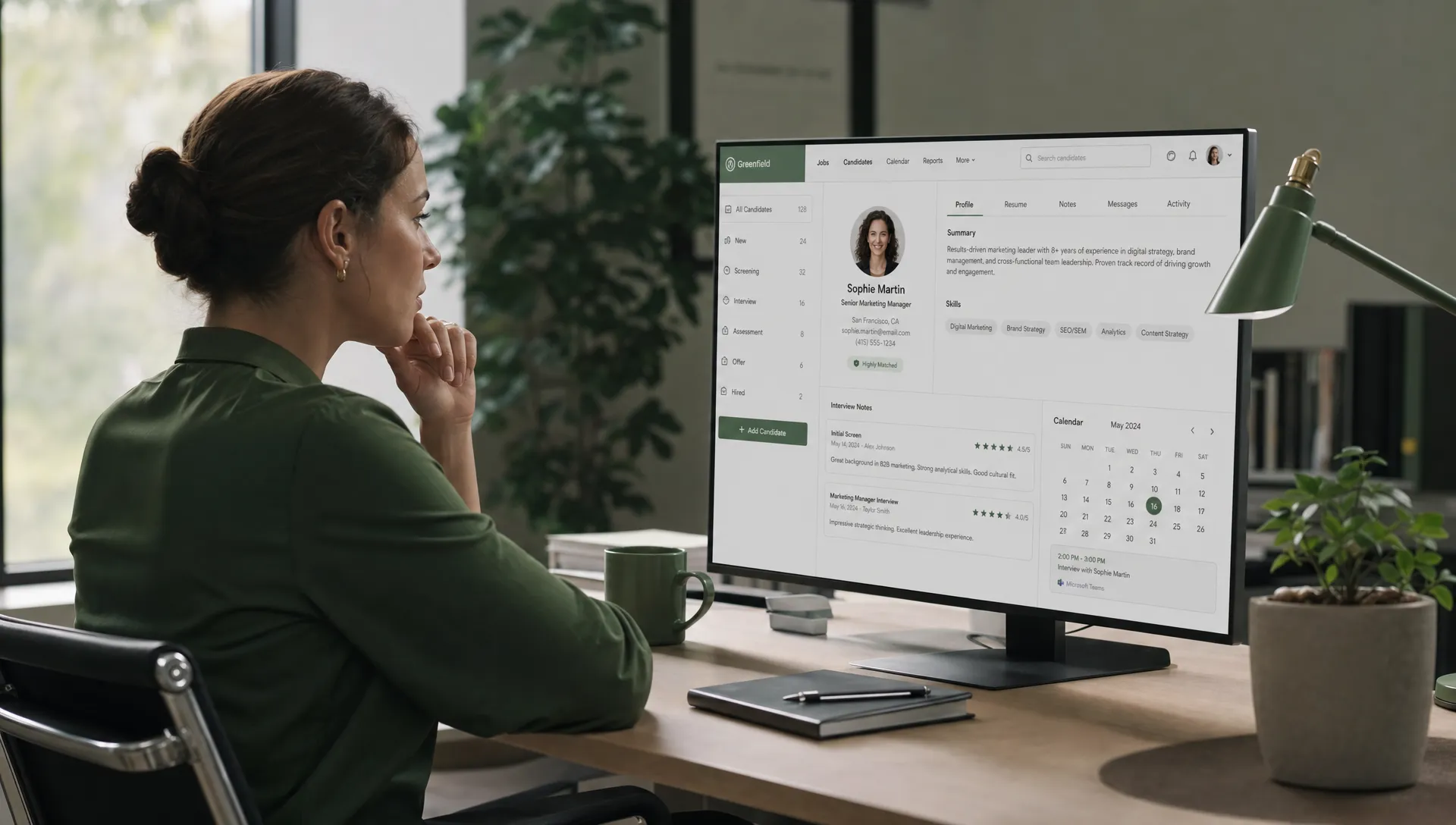
When evaluating video interview platforms, ask vendors to demonstrate the full recruiter workflow rather than only the candidate-facing video screen. A strong demo should show how the role is created, how candidates are screened, how interview invitations are sent, how reminders work, how feedback is captured, and how the ATS is updated.
For a broader buying framework, this CandiDesk article on what to look for in AI recruitment software is useful if your team wants interview automation to connect with screening, outreach, and pipeline management.
How to choose the right platform for your hiring model
The right platform depends on the type of hiring work your team repeats most often. Start with the workflow, not the feature grid.
If you run high-volume hiring, asynchronous video interviews may save the most time at the first screen stage. Look for simple candidate access, mobile-friendly recording, structured questions, recruiter review queues, and clear status updates. Avoid systems that create long candidate tasks before there is enough mutual fit.
If you hire for specialized or senior roles, live video with strong scheduling and documentation may be more valuable. Recruiters need to preserve a high-touch experience, coordinate multiple stakeholders, and capture nuanced feedback. In this context, speed comes from fewer coordination delays and better interview records, not from replacing conversations.
If your team handles multiple clients, locations, or languages, prioritize workflow consistency. Multi-language outreach, pipeline sync, and human-approved communication can reduce the operational load without losing recruiter control. This is especially important for agencies, where each client may have a different hiring process and service-level expectation.
If compliance and auditability matter, evaluate how the platform handles consent, data retention, access controls, decision evidence, and candidate accommodations. In regulated environments, hiring technology should fit into a wider governance process. Teams working closely with legal or compliance functions may also find it useful to look at adjacent tools such as AI-powered compliance workflows, since the same principles of evidence capture, workflow automation, and risk visibility apply when evaluating recruitment systems.
What CandiDesk can automate around video interviews
CandiDesk is not just about making interviews happen faster. It is designed to help agencies and HR teams reduce the manual work that surrounds interviews while keeping recruiters in control.
For example, CandiDesk can support smart intake from client briefs, candidate scoring with evidence, AI chat and voice calls, human-approved outreach drafting, interview scheduling automation, pipeline and calendar sync, multi-language outreach, and integrations with existing ATS, CRM, and communication tools. That matters because the largest time savings often happen before and after the video call.
A typical recruiter-time problem looks like this: the hiring manager wants interviews booked quickly, but the role requirements are incomplete, candidate screening is inconsistent, outreach needs personalization, calendars are difficult to coordinate, and the ATS must be updated after every action. A video meeting tool alone does not solve that. A recruitment workflow platform can help make the entire path from intake to interview more consistent.
For teams that want more operational control across hiring, CandiDesk’s guide on how a recruitment management platform adds control expands on the value of structured intake, evidence-based screening, approved communication, scheduling automation, and integrations.
A practical evaluation checklist
Use a short, practical checklist before committing to a new platform. The goal is to understand how much recruiter time the platform can realistically save in your environment.
- Map the current average time spent on screening, scheduling, reminders, interview notes, feedback collection, and ATS updates.
- Test the platform with one real role instead of a generic demo scenario.
- Ask recruiters and hiring managers to score ease of use separately.
- Review how the system explains candidate recommendations or summaries.
- Check whether candidate communication can be reviewed before sending.
- Confirm integration depth with your ATS, CRM, calendar, and communication tools.
- Validate accessibility, consent, data retention, and audit requirements.
The best buying process includes recruiters, hiring managers, talent operations, IT, and legal or compliance stakeholders. Recruiters know where time is lost. Hiring managers know where feedback slows down. Operations teams know where integrations fail. Compliance teams know what must be documented.
How to measure time saved after rollout
After implementation, measure time savings with operational metrics rather than assumptions. A platform may feel faster, but leadership needs evidence that the workflow has improved.
Track the average time from candidate application or sourcing to first interview. Measure scheduling touchpoints per interview, no-show rates, recruiter time spent on note-taking, hiring manager feedback turnaround, and ATS update completion. For agencies, also track submittal-to-interview ratio and client response speed.
It is also worth measuring candidate experience. If automation makes the process faster for recruiters but confusing for candidates, it can reduce completion rates and damage employer brand. Strong video interview platforms make the next step clear, explain expectations, and keep candidates informed.
Finally, review quality outcomes. Faster interviews are only valuable if they lead to better shortlists, more consistent feedback, and stronger hiring decisions. Recruiters should be able to show which evidence supported each decision and where human judgment was applied.
Frequently Asked Questions
What are video interview platforms? Video interview platforms are tools that help recruiters conduct, schedule, record, structure, or review interviews through video. They may support live interviews, one-way recorded interviews, transcripts, scorecards, reminders, and integrations with recruiting systems.
Do one-way video interviews save recruiter time? Yes, they can save time for high-volume early screening when questions are structured and job-related. They are less suitable when the role requires deeper discussion, complex evaluation, or a high-touch candidate experience from the first conversation.
What features matter most for recruiter productivity? The most useful features are scheduling automation, candidate reminders, structured interview guides, scorecards, transcripts, summaries, ATS or CRM sync, and evidence-based screening before the interview stage.
Should AI make interview decisions automatically? Recruiters should be cautious about fully automated decisions. AI is most valuable when it helps document evidence, summarize conversations, draft communication, and reduce admin while keeping humans responsible for approvals and hiring judgment.
How can CandiDesk work with video interviewing workflows? CandiDesk helps automate the work around interviews, including intake, candidate screening, outreach drafting, scheduling, pipeline updates, AI chat and voice calls, and integrations with existing recruiting tools. Recruiters remain in control through human-approved communication.
Make video interviews faster without losing control
Video interview platforms save the most time when they connect to the rest of the hiring workflow. If your recruiters are still manually screening candidates, chasing calendars, drafting follow-ups, and updating the pipeline after every conversation, the biggest opportunity is not just better video. It is better orchestration.
CandiDesk helps agencies and HR teams automate intake, screening, outreach, scheduling, calls, and pipeline updates while keeping recruiters in control. If you want video interviews to become part of a faster, more consistent hiring process, CandiDesk can help you reduce the work that slows recruiters down before and after every interview.

Nikon Mazur
Nikon is a recruiting technology specialist with over five years of hands on experience building HR and hiring software, and the co founder of CandiDesk.
LinkedIn Profile